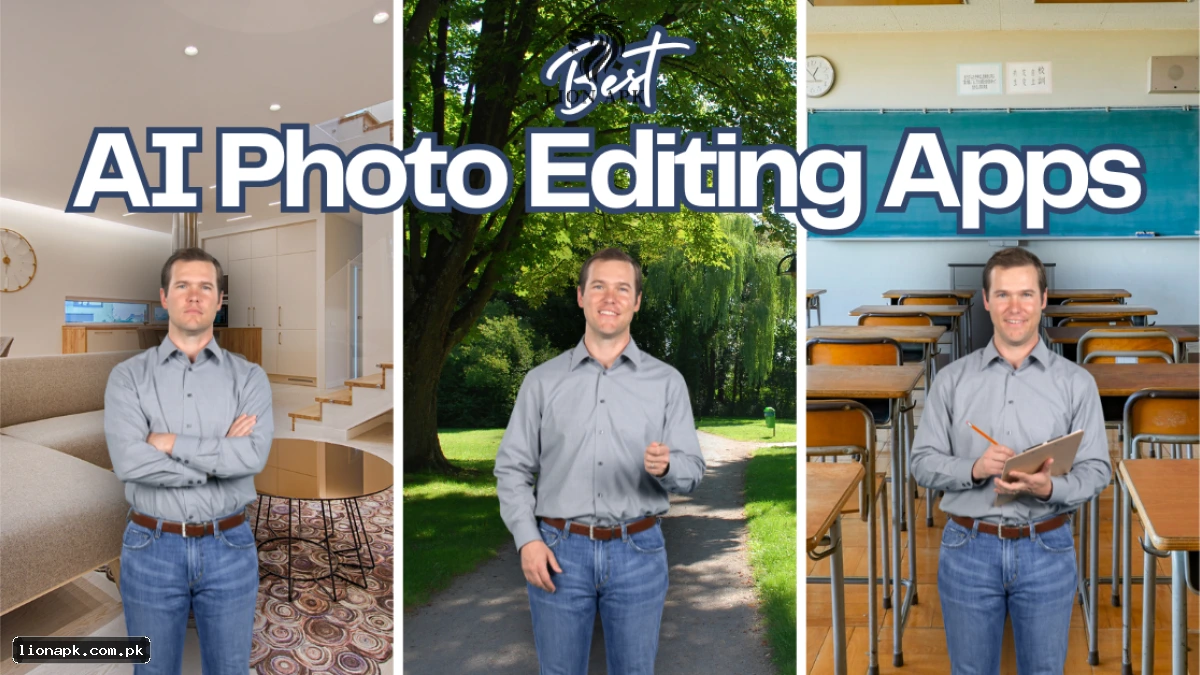
You take a picture of your outfit on Eid. In real life, the kameez looks crisp, and the colors are popping. But when you look at it on your phone screen—whether it's a Vivo Y20, Infinix Hot 40, or a Samsung A15—it looks... pheeka (dull). The lighting is bad because of load shedding, and the camera struggled.
So you go to the Play Store. You download an app that promises "AI Magic." You open it, and immediately it asks for Rs 3,000/month. You try to close the ad, and your phone hangs.
Bohat gussa aata hai na? (Makes you angry, right?)
I know the struggle. Most tech websites review apps using an iPhone 16 Pro. I tested these apps on a standard 4GB RAM Android phone—the kind real Pakistanis use. We need apps that are free, fast, and don't heat our phones like a heater.
Here are the 3 best AI photo editing apps 2026 has for Pakistani users.
1. The Undefeated King: Snapseed (by Google)
It doesn't matter if you have a Tecno or a Samsung; Snapseed is the only app you strictly need. It hasn't been updated in ages, but that's actually a good thing—it means it's light and doesn't have bloated AI features that crash your phone.
-
Price: Free. ZERO Ads. ZERO Subscription.
-
Performance on 4GB RAM: Butter smooth.
-
Download: Snapseed on the Play Store
My Experience:
I was at a wedding in Gujranwala, and the hall lighting was terrible (yellow bulbs everywhere). My photos looked sick. I used Snapseed’s "Selective" tool. I tapped on the face, swiped right to brighten just the face, and swiped left to desaturate the yellow background.
It took 30 seconds. The photo looked like it was shot on a Pixel.
Why it wins:
There is no "Pro" version. All the tools—Healing (to remove pimples), Portrait (to smooth skin), and HDR—are free. It respects your wallet. It is truly the best free photo editor for Android Pakistan users can download.
2. The Creative Studio: PicsArt
This is the most popular editor in Pakistan, but I have a love-hate relationship with it.
-
Price: Free... but with a million ads.
-
Performance: Laggy on budget phones.
-
Download: PicsArt on the Play Store
Why use it?
If you want to add a "Jumma Mubarak" sticker, or put wings on your photo, or write Urdu text, this is the best. It has the best sticker library in the world.
The Negative:
The ads are out of control. You edit for 1 minute, you watch ads for 30 seconds. Also, the "Gold" pop-up appears every time you breathe.
The "Desi Jugaad":
Turn off your WiFi/Data before opening PicsArt. If the app can't connect to the internet, it can't show you ads. The app runs 2x faster. You're welcome.
3. The Heavyweight: Adobe Lightroom Mobile
This is for the people who want their Instagram feed to look "Aesthetic" and moody.
-
Price: Free (Advanced AI masking is paid).
-
Performance: Heavy. Do not install on a 3GB RAM phone.
-
Download: Lightroom onthe Play Store
Why use it?
The "Auto" button is magic. It fixes exposure better than Snapseed.
But the real trick is Presets. You can find Pakistani creators on TikTok sharing DNG presets. You download them, copy the settings, and paste them into your photo. Boom—instant "Brown & Teal" cinematic look.
Real Talk:
On my budget phone, Lightroom takes a good 5-6 seconds to export a photo. It’s slow. But the color quality is unmatched. If you care about quality over speed, this is the one to pick in the Snapseed vs PicsArt vs Lightroom battle.
Comparison: Which One for Your Phone?
| Feature | Snapseed | PicsArt | Lightroom |
| Best For | Fixing Light/Face | Stickers/Text | Color Grading |
| Ads | None | Too Many | None (but upsells) |
| Lag on Budget Phones | No | Yes | Yes |
| Urdu Text? | No | Yes | No |
| Verdict | Must Have | Good for Fun | Good for Pros |
Special Mention: Remini (The Enhancer)
I mentioned this yesterday in my Remini Honest Review, but Remini is not an editor. It is an un-blurrer.
If you have a blurry photo from a concert or a moving rickshaw, put it in Remini first. Watch the 30-second ad (painful, I know). Then take the clean photo into Snapseed to fix the colors. That is the pro workflow for budget phones.
-
Download: Remini on the Play Store
Final Verdict
-
Snapseed: Download this immediately. It should be on every phone.
-
PicsArt: Download it if you like making thumbnails or funny edits (use the offline trick!).
-
Lightroom: Only if you have patience and at least 6GB of RAM.
If you are running out of space installing these, check our guide on how to free up WhatsApp storage (coming tomorrow) so you can keep clicking photos.