Finding the right AI tool can be challenging when different tasks require different features. You might need one tool to write an article, another to summarize a PDF, and a separate application to generate images or help with programming.
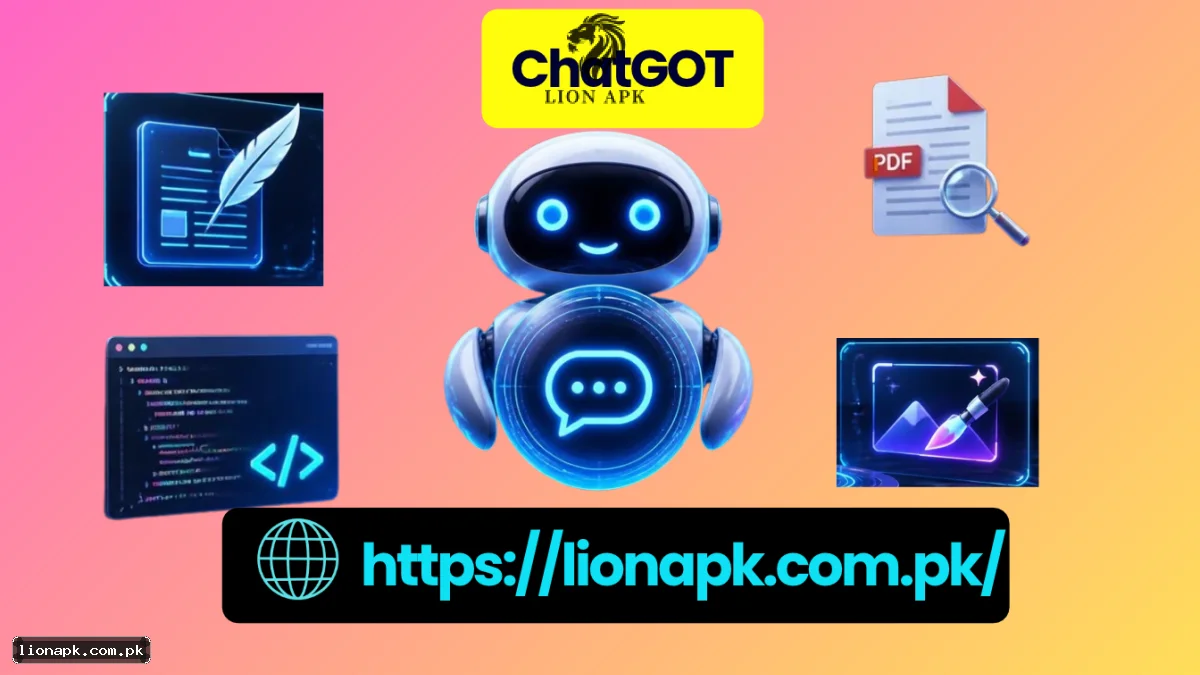
ChatGOT aims to bring several of these capabilities together. Available through chatgot.io, the platform offers AI conversations, writing assistance, document analysis, image generation, and other productivity tools.
But is ChatGOT worth trying? This guide explores its main features, practical uses, pricing information, and limitations to help you decide whether it fits your needs.
What Is ChatGOT?
ChatGOT is an AI chatbot assistant designed to combine multiple AI-powered functions in one platform. Instead of switching between several applications for every task, users can access different tools through a shared interface.
According to its official website, ChatGOT supports activities such as content writing, coding assistance, PDF summarization, image creation, and AI conversations. Its help documentation also describes options for selecting AI models and creating specialized bots.
The platform may be useful for students, bloggers, freelancers, developers, and professionals who want a convenient way to handle different types of work.
Visit the official ChatGOT website to explore its currently available tools.
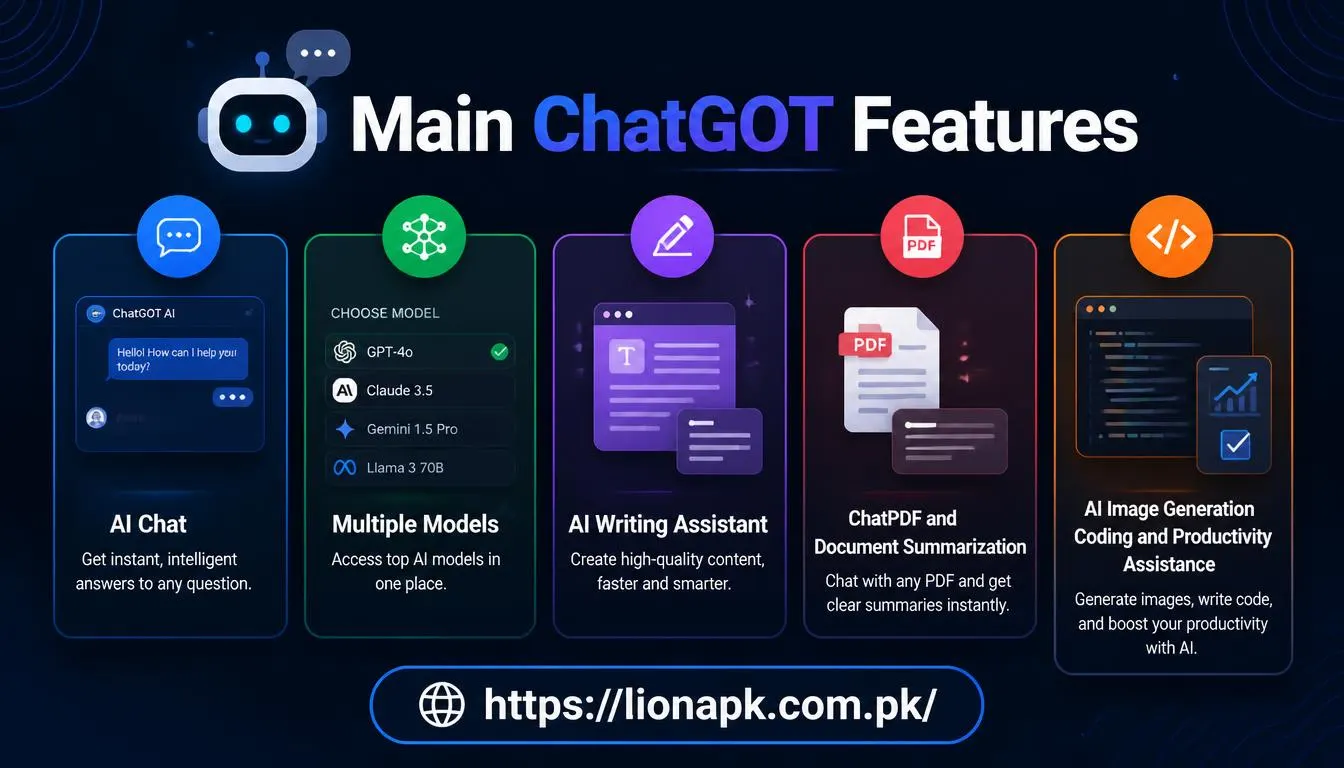
Main ChatGOT Features
1. AI Chat and Multiple Models
ChatGOT provides a conversational interface where users can ask questions, request explanations, brainstorm ideas, and work through problems.
Its documented features include access to different AI models, although the available choices may change over time. Depending on the task, you can explore different models and compare their responses.
For example, a student could ask for a simple explanation of an accounting concept, while a developer might request help understanding a programming error.
2. AI Writing Assistant
The AI writing tools can help users develop article outlines, draft emails, generate slogans, improve sentences, and organize ideas.
Bloggers may use the platform to plan content, while freelancers can use it to create initial drafts for client projects.
However, generated text should not automatically be treated as publication-ready. Check facts, improve generic passages, and add original insights before publishing an article.
3. ChatPDF and Document Summarization
Reading a lengthy document can take considerable time. ChatGOT offers PDF-related tools that let users upload documents, ask questions about their contents, and request summaries.
This can be helpful when reviewing research papers, study materials, reports, or lengthy documents.
For example, you could ask a PDF assistant to identify the main arguments in a research paper and explain its important terms. Always compare the answer with the original document when accuracy matters.
4. AI Image Generation
ChatGOT also offers AI image-generation capabilities. Users can describe a desired image in text and use the available image tools to create visual content.
Possible applications include blog illustrations, social media graphics, presentation visuals, and creative concepts.
Results depend on the selected tool and the quality of the prompt. Before using generated images commercially, review the applicable service terms and any relevant licensing restrictions.
5. Coding and Productivity Assistance
ChatGOT can assist with programming questions, code examples, debugging ideas, and explanations of technical concepts.
It may also help users organize information, draft professional documents, and develop project ideas.
Treat generated code as a starting point. Test it, review its security implications, and make sure you understand what it does before using it in a real application.
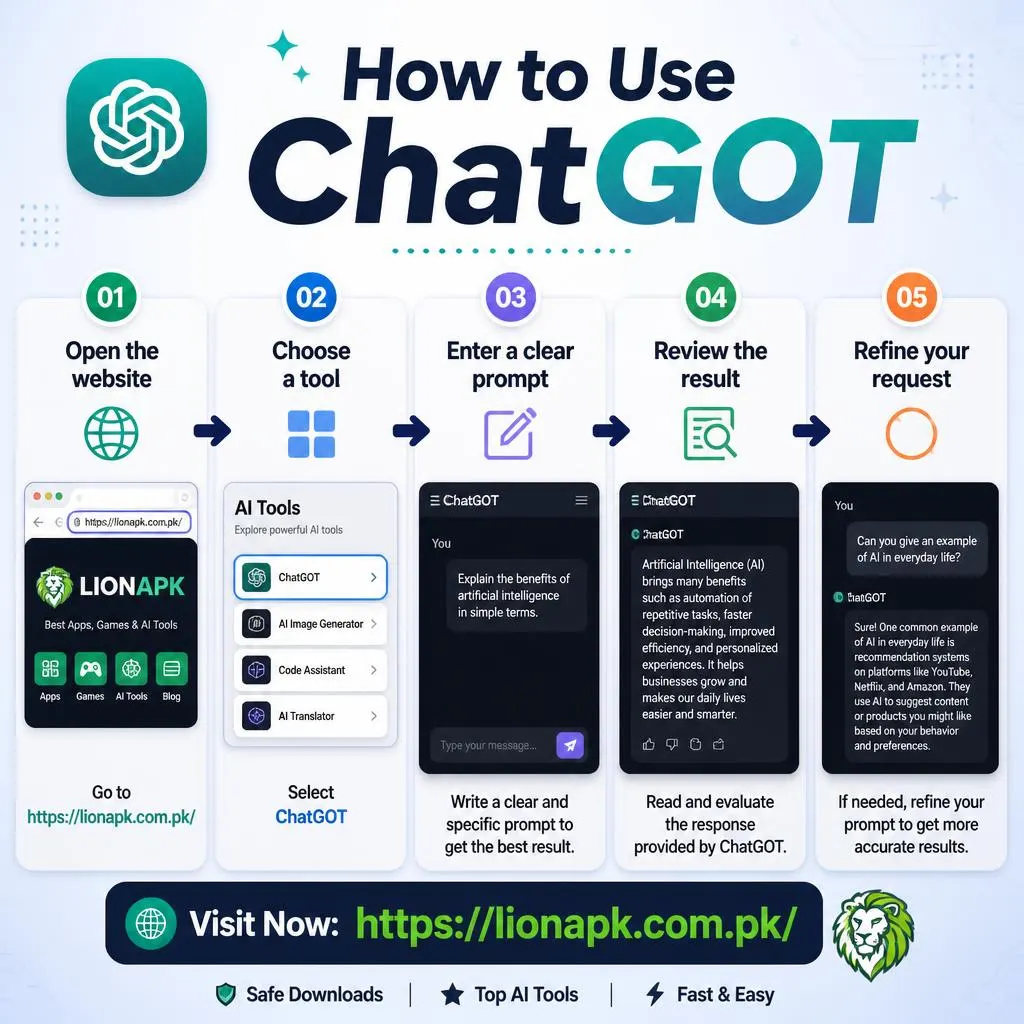
How to Use ChatGOT
Getting started does not require advanced technical knowledge.
-
Open the website: Visit ChatGOT in your browser.
-
Choose a tool: Select the relevant chat, writing, PDF, image, or other available feature.
-
Enter a clear prompt: Explain what you want to accomplish and provide useful context.
-
Review the result: Check the response for accuracy, relevance, and missing details.
-
Refine your request: Ask follow-up questions or provide additional instructions to improve the output.
For example, instead of typing “write a blog,” try: “Create an outline for a beginner-friendly article about website security, including six headings and five frequently asked questions.”
Clear instructions help an AI assistant understand the task more effectively.
ChatGOT Pricing: Is It Free?
ChatGOT advertises a free option, but users should distinguish between free access and unlimited access.
Its official pricing page lists a free plan with 10 standard queries per day. The page also lists Pro and Max subscriptions, with prices displayed as $9.90 and $15.90 per month, respectively.
Paid plans advertise higher usage allowances and additional features. Prices, limits, and included benefits can change, so check the official pricing page before subscribing.
If you only need occasional assistance, the free allowance may be sufficient. People who regularly analyze documents, generate images, or use advanced tools should compare the available plans with their actual needs.
Benefits and Limitations of ChatGOT
The main attraction of ChatGOT is convenience. Bringing several AI functions together can reduce the need to move between separate applications.
Other potential benefits include:
-
A single platform for multiple types of tasks.
-
Writing and brainstorming support.
-
Tools for document analysis and summarization.
-
AI-assisted coding and image creation.
-
Free access with defined usage limits.
There are also important limitations to consider. AI-generated answers can contain errors, and different models may produce different results. Some features may require a paid subscription or have usage restrictions.
Users should also review the privacy policy before uploading confidential documents or personal information. Do not assume that every uploaded file is suitable for sharing with an online AI service.
Final Verdict
ChatGOT brings several AI-assisted activities into one platform, making it worth exploring if you regularly switch between writing, research, coding, document analysis, and image creation tools.
Its usefulness depends on the quality of the results, the features available to your account, and whether the usage limits suit your workflow. Try the free option first, evaluate the tools you actually need, and compare subscription details before paying.
For the most accurate information about current features and plans, consult the official ChatGOT website and help center.