
PayUp Video is an online earning platform where users can earn money by watching short YouTube videos through its official player. The service states that it works on any device, pays income in US dollars, and supports withdrawals starting from $0.50, subject to payment-system conditions.
This detailed PayUp Video guide explains how the platform works, what tasks are available, how bonuses and contests operate, which withdrawal systems are supported, and whether JazzCash can be used. Read the important safety points before creating an account or investing a large amount of time.
How Does PayUp Video Work?
The basic PayUp Video earning method is simple. After registration, users watch short videos through the platform’s official YouTube player. Each completed viewing can add a small reward to the user’s account balance. The amount you earn may depend on the base payment for a video, its length, and your current account level.
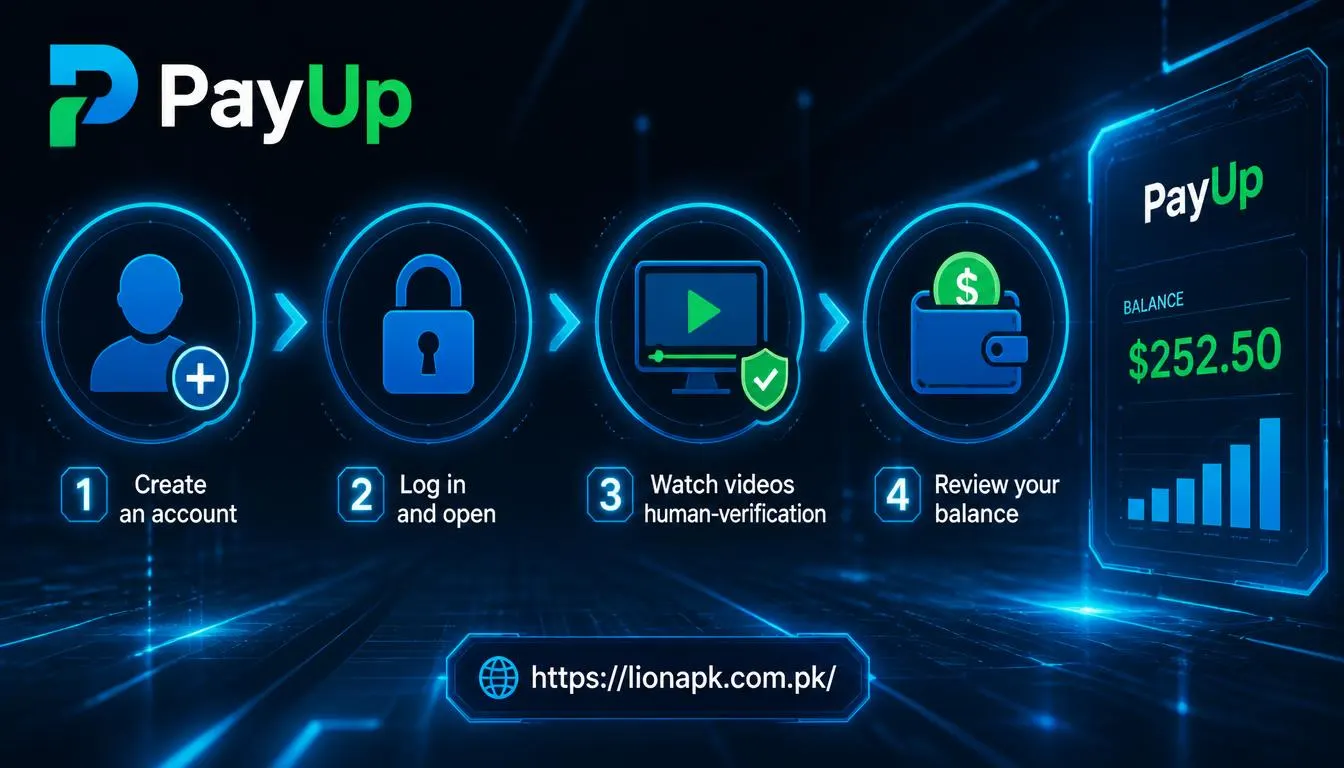
To start using PayUp Video, follow these steps:
-
Open the official PayUp Video website.
-
Create an account with accurate details.
-
Log in and open the available video-viewing section.
-
Watch videos completely through the official player.
-
Complete any human-verification check when required.
-
Review your balance and account level.
-
Request a withdrawal after reaching the minimum payout amount.
The platform says that it aims not to limit the number of videos viewed, although an average user may have up to 500 videos available per day. Actual availability can change based on the platform’s video supply and activity rules.
PayUp Video should be considered a small extra-income option, not a replacement for a job, business, or stable monthly salary. Your total earnings can vary according to the number of videos available, your viewing activity, account level, and the payment offered for each video.
What Types of Tasks Are Available?
The primary PayUp Video task is watching short YouTube videos through the website’s official player. Users earn for valid views, which means the video should be watched according to the platform’s requirements.
In addition to video views, PayUp Video provides other activity-based earning opportunities:
-
Watching short videos: Complete available video views to receive earnings.
-
Daily activity: Regular activity can help increase your account level.
-
Referral invitations: Invite new active users through your referral link.
-
Referral earnings: The platform advertises three referral levels, paying 20%, 8%, and 4% from referral earnings directly to the user balance.payup
-
Activity contests: Compete with other users by watching the highest number of videos during a set period.
-
Referral contests: Compete by inviting the most new active participants during a contest period.
The platform also says that each account level increases earnings by 0.1%, and a user who reaches level 1000 can earn up to twice the standard amount. Levels are awarded for video views, referral registrations, and daily activity.
How to Get a Bonus on PayUp Video
PayUp Video does not describe a permanent welcome bonus on its public homepage. However, users may increase their earning potential through account levels, contests, referral rewards, and consistent activity.
The best ways to look for a PayUp Video bonus or additional reward are:
-
Check the official website for active contests.
-
Watch available videos regularly to build your account level.
-
Invite genuine users using your official referral link.
-
Stay active daily, as daily activity contributes to level progress.
-
Read contest rules before taking part, including prize conditions and dates.
Do not trust random Telegram messages, YouTube comments, or social-media accounts that promise an “instant PayUp bonus” in exchange for money, passwords, or verification codes. Use only offers displayed through the official platform.

In What Currency Is PayUp Video Income Earned?
PayUp Video states that all income shown on the website is calculated in US dollars (USD). This means your account balance, video earnings, referral income, and withdrawal figures are displayed in dollars rather than Pakistani rupees or another local currency.
If you later exchange funds into PKR, the amount you receive may depend on the conversion rate and fees charged by your selected payment provider or exchange service. Check those charges before making a withdrawal.
What Is the Minimum Withdrawal Amount?
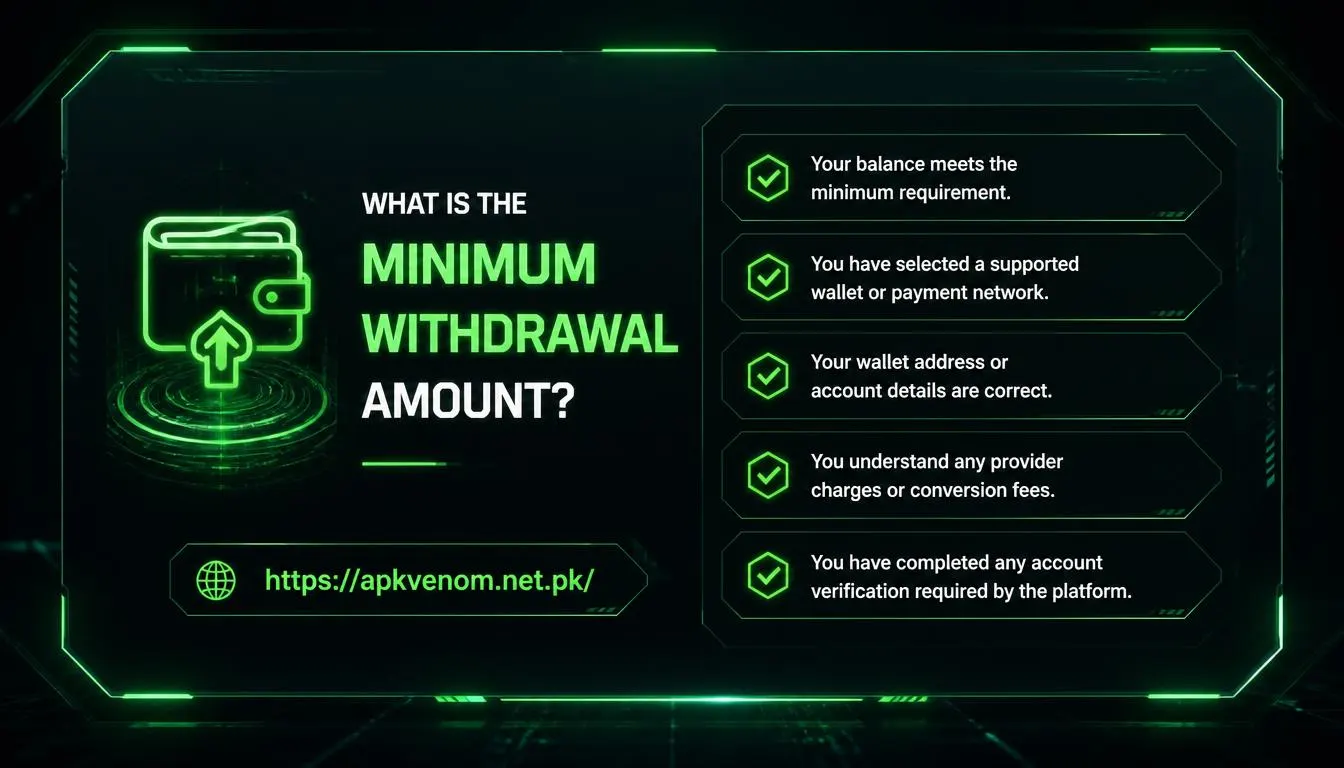
The minimum withdrawal amount on PayUp Video is $0.50. The site also notes that the amount can depend on the payment system selected.
Before sending a payout request, make sure that:
-
Your balance meets the minimum requirement.
-
You have selected a supported wallet or payment network.
-
Your wallet address or account details are correct.
-
You understand any provider charges or conversion fees.
-
You have completed any account verification required by the platform.
A small test withdrawal can be a sensible way to confirm that your payment details are correct before you spend more time completing tasks.
What Payment Systems Are Available?
According to the PayUp Video website, withdrawals are available through the following payment systems:
PayUp Video specifically lists Payeer, Advcash, and TRX as its withdrawal options. The public website does not list JazzCash, Easypaisa, direct Pakistani bank transfer, PayPal, or Skrill as supported withdrawal systems.
Can You Withdraw PayUp Video Earnings Through JazzCash?
JazzCash is not named as a direct withdrawal option on the official PayUp Video website. The listed methods are Payeer, Advcash, and TRX.payup
If you want to receive money in JazzCash, first confirm whether an official JazzCash option appears in your logged-in PayUp Video account. If it does not, do not send money to an unofficial middleman who claims to convert your balance. Any later exchange from a supported method to JazzCash would be handled by a third-party service and may involve fees, exchange-rate differences, or fraud risks.
Is PayUp Video Free to Download?
PayUp Video is presented as a web-based service that works on any device and uses an official YouTube player for video viewing. The public site does not promote a separate Android APK or mobile-app download.
You can access the service through your phone or computer browser without paying for an app download. Avoid downloading unofficial APK files that use the PayUp Video name, because third-party files may contain harmful software or attempt to steal your login information.
Important PayUp Video Safety Rules
PayUp Video strictly prohibits multiple accounts and video-view automation. The platform says that users may need to complete CAPTCHA checks to confirm that they are human. Accounts connected to multiple-account activity can be blocked.
Follow these safety rules:
-
Use only one account per person.
-
Never use bots, scripts, auto-clickers, or video automation tools.
-
Do not share your password, wallet seed phrase, or verification code.
-
Use a strong and unique password.
-
Check the correct wallet address before requesting a TRX payment.
-
Keep screenshots of your completed withdrawals and support messages.
-
Contact official support through the website’s live chat or the listed email address if you need help.
For related content on your website, add internal links such as how to stay safe with online earning platforms and beginner guide to cryptocurrency wallet security.
Final Verdict
PayUp Video offers a straightforward way to earn small USD rewards by watching short videos, increasing account levels, joining contests, and inviting active referrals. The platform lists Payeer, Advcash, and TRX for withdrawals, with a minimum payout starting from $0.50.payup
Use the official website, follow the one-account rule, avoid automation tools, and verify withdrawal details before submitting a request. Since JazzCash is not listed as a direct method, only use it if the platform officially adds it to your withdrawal dashboard