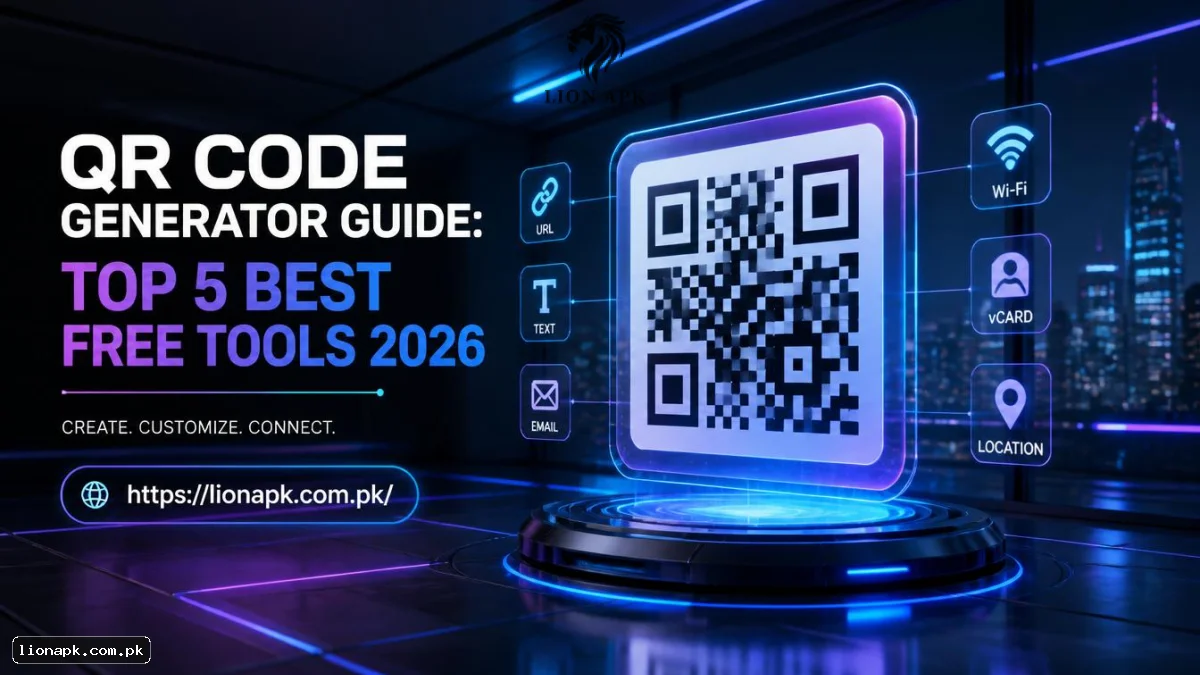
QR codes have become an absolutely essential part of modern daily life. You encounter them everywhere on restaurant tables, product packaging, and massive billboard ads. They provide a seamless bridge between the physical world and digital content. But how do you actually create one that works flawlessly? Finding reliable software can feel overwhelming because there are simply too many options online. If you want to streamline your digital marketing efforts, you need to know about the top 5 QR code generators available today.
Whether you manage a small local coffee shop or run massive corporate campaigns, you need the exact right tools. A dependable generator ensures your custom codes scan instantly, every single time. It also protects your brand reputation from expired links and broken user experiences. Many people search for the best QR code generators, but without understanding the technology behind them, you might choose a platform that limits your growth. If a potential customer scans your code and hits a dead web page, you instantly lose a potential conversion.
In this comprehensive guide, we will explore everything you need to know about this digital technology. We will thoroughly review the top 5 QR code generators currently dominating the market. We will also break down the critical technical differences between dynamic and static routing, helping you make the absolute best choice for your marketing project.
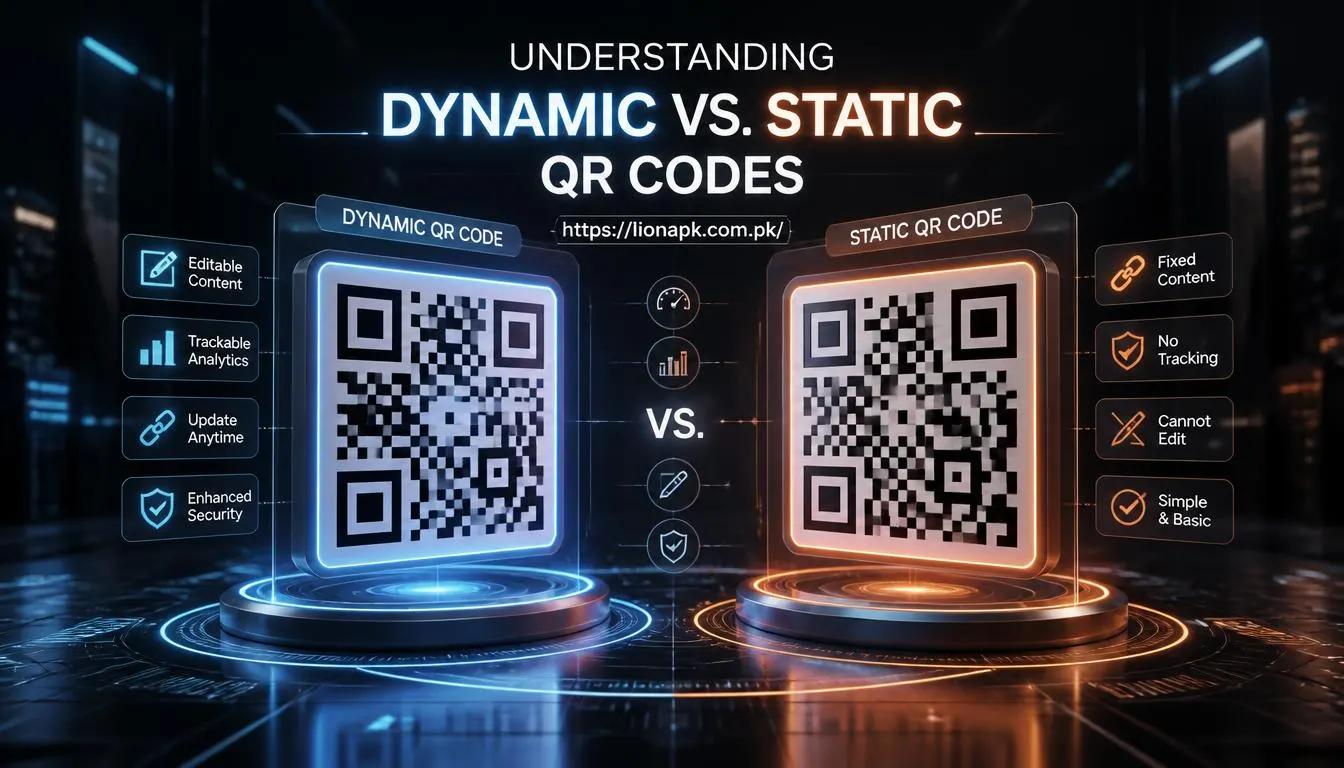
Understanding Dynamic vs. Static QR Codes
Before reviewing the actual software platforms, you must thoroughly understand the technical difference between the two main types of codes. This foundational decision heavily impacts how you manage your marketing campaigns over the coming years. By looking at the top 5 QR code generators, you will notice they all heavily emphasize one specific type of technology.
Static QR Codes
Static codes encode your target data directly into the visual graphic pattern itself. Once you generate and print this specific code, the destination link cannot be altered in any way. If you make a typo in your URL, you must physically throw away all printed materials and start over from scratch.
-
Best for: One-time event flyers, home Wi-Fi passwords, and simple personal use.
-
Pros: They never officially expire. They are usually completely free to generate without any paid monthly subscriptions.
-
Cons: You get absolutely zero editing capabilities. They offer no backend scanning data.
Dynamic QR Codes
On the other hand, dynamic QR codes operate entirely differently on the backend servers. They do not store the final URL directly in the printed visual pattern. Instead, they store a very short redirect URL. This short link quickly intercepts the user and sends them directly to your final destination. Because of this specific structure, you can log into your dashboard and change the final link at any time without reprinting the image.
-
Best for: Restaurant menus, retail product packaging, and long-term marketing campaigns.
-
Pros: Highly editable post-printing. They offer incredibly robust data collection.
-
Cons: They usually require a paid monthly subscription after a brief free trial ends.
For serious marketing professionals, dynamic codes are always the superior choice. The ability to update broken digital links saves significant money on future commercial printing costs.
Key Features to Demand from Your Software
Not all online platforms offer the exact same professional quality. When you evaluate the market, pay close attention to the specific software features offered. If you are looking for a reliable free QR code maker, ensure it still meets these basic professional standards.
-
Design Customization: Standard black-and-white squares are visually boring and often ignored by consumers. Look for a platform that allows highly custom designs. You should be able to change grid colors, modify eye shapes, and seamlessly upload your company logo directly into the center of the graphic.
-
Advanced Analytics: If you run a paid advertising campaign, you need hard data. Good generators provide detailed QR code tracking. They show you exactly how many people scanned the code, what smartphone operating systems they used, and their precise geographic location at the time of the scan.
-
High-Resolution Downloads: Blurry, pixelated graphics will not scan properly on older mobile phones. Ensure the platform lets you download files in high-quality professional vector formats like SVG or EPS.
-
Security and Compliance: Digital consumer trust is highly important. The platform must use secure HTTPS connections and comply with strict data privacy laws like GDPR. Be extremely wary of totally free sites that inject their own video ads before redirecting users.
If you are actively looking for more ways to improve your overall digital strategy, check out our comprehensive guide on essential digital marketing tools for modern businesses.

Reviewing the Top 5 QR Code Generators of 2026
The landscape of matrix barcode technology has evolved rapidly over the past few years. Based on extensive recent industry testing and user reviews, here is our definitive list of the top 5 QR code generators available today.
1. QRCodeKIT
This powerful platform is widely considered the absolute best overall choice for serious business use. It uniquely offers dynamic codes that never actually expire on its generous free tier. Furthermore, it boasts cutting-edge native AI integrations, including conversational AI inside the codes themselves. Because it features EU-hosted data compliance, it is incredibly secure for European operations.You can access official websites.
2. Uniqode (formerly Beaconstac)
If you manage a large corporate enterprise, Uniqode is an exceptionally strong choice. It holds rigorous SOC 2 Type 2, HIPAA, ISO 27001, and GDPR compliance certifications. This makes it absolutely perfect for the highly regulated US healthcare and finance sectors. Additionally, it integrates beautifully directly with Salesforce, GA4, and Meta marketing pixels.
3. QR Code Monkey
When you strictly only need a simple static code, this platform remains the undisputed industry standard. It is genuinely free forever. Furthermore, it requires absolutely no login or account creation to use and allows for completely unlimited total scans. Users can highly customize their static designs, embed central logos, and download print-ready high-resolution vector files. You can access official websites.
4. Hovercode
Hovercode is arguably the best platform for simple, straightforward dynamic link tracking. It offers a surprisingly generous free-forever plan that includes three live dynamic codes with completely unlimited scans. It specifically stands out by offering custom domain support and the unique ability to generate visually striking rounded, circular code patterns instead of standard squares.
5. Scanova
Designed for professional marketers and agencies, Scanova is a robust tool that provides advanced analytics and highly customizable landing pages. It offers a seamless interface where you can manage multiple marketing campaigns from a single dashboard. It is highly reliable for generating print-ready codes that require constant destination updates.
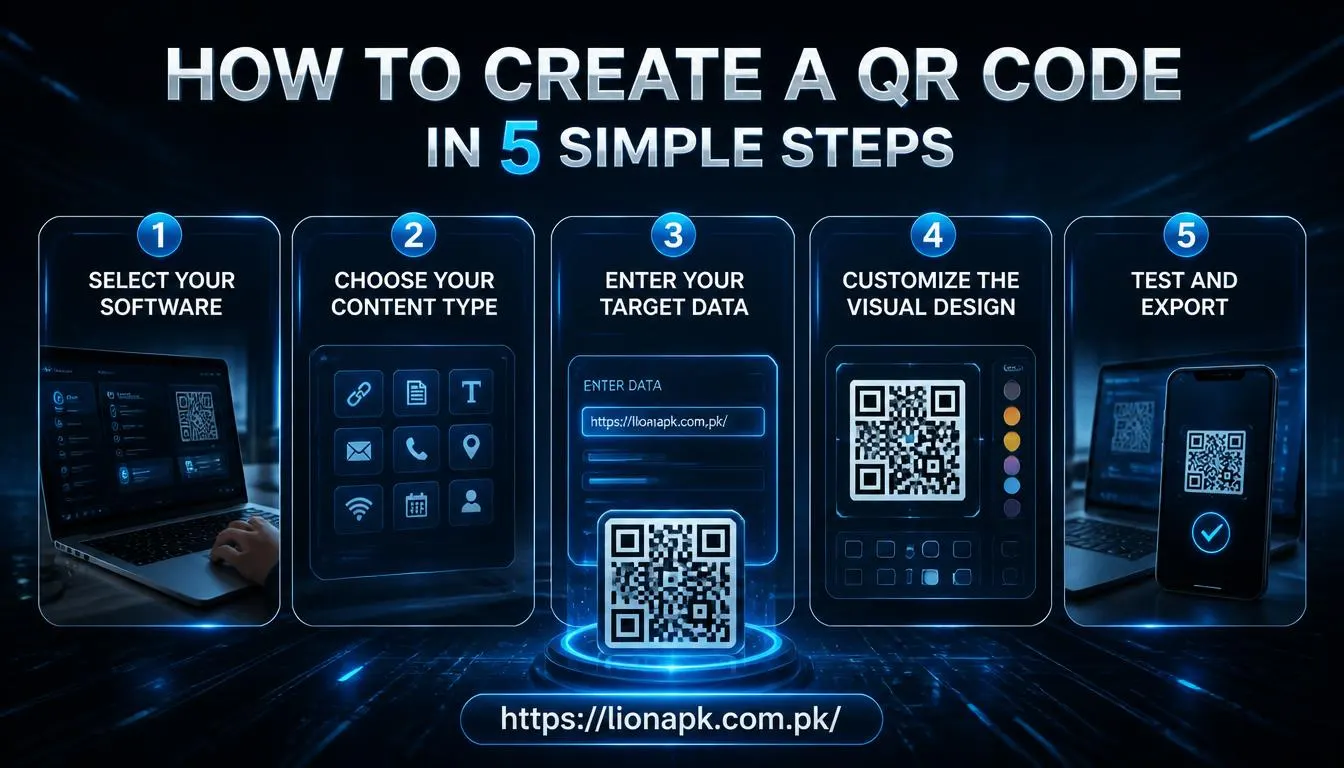
How to Create a QR Code in 5 Simple Steps
Are you ready to build your very first digital tracking graphic? The entire creation process is incredibly straightforward. If you are wondering how to create a QR code, simply follow these five numbered steps to ensure complete technical success.
-
Select Your Software: Choose a highly reputable software platform from our carefully reviewed list above.
-
Choose Your Content Type: Decide exactly where you want to send the scanning user. Select "URL" for a standard website landing page, "vCard" for business contact details, or "PDF" for a downloadable document.
-
Enter Your Target Data: Carefully paste your final destination link directly into the text field. Always double-check the exact spelling to prevent any accidental routing typos.
-
Customize the Visual Design: Add your specific corporate brand colors. Upload your transparent PNG logo. Choose an appealing border frame that includes a direct, actionable call-to-action phrase like "Scan Here to Save 20%."
-
Test and Export: Click the generate button. Before you download anything, physically test the newly created code directly from your computer monitor using your own personal smartphone. Save the final graphic file in a scalable vector format (like SVG) for all commercial print materials.
Best Practices for Deploying Custom Codes
Creating the digital graphic is only half the battle. You must systematically deploy it correctly in the real physical world to generate actual scanning results from your target audience.
-
Provide a Clear Call to Action (CTA): People naturally need a compelling reason to take out their mobile phones. Always add clear instructional text next to the graphic explaining exactly what value they receive. The phrase "Scan for 10% Off" consistently works significantly better than placing a completely blank code on a table.
-
Understand Physical Size Limits: Never print a scannable graphic smaller than exactly 1 inch by 1 inch (2.5 cm x 2.5 cm). If it is printed too small, standard consumer smartphone cameras physically cannot properly focus on the dense grid pattern, leading to frustrating user errors.
-
Optimize for Mobile Viewing: This rule sounds incredibly obvious, but many businesses completely forget it. Where does the resulting digital code actually lead the user? The final destination website must be fully mobile-friendly and fast-loading. Learn much more about this specific requirement in our mobile app optimization guide.
To ensure your custom matrix graphics meet strict global technical standards, you can easily reference the official GS1 global barcode standards documentation for two-dimensional digital symbols.