
Microsoft SwiftKey AI Keyboard
Get this app from Google Play Store for automatic updates & security. Use APK if Play Store is unavailable in your region or you need an older version.
Screenshots

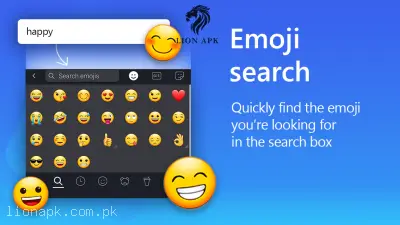

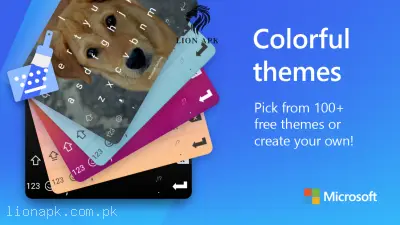
Screenshots from Google Play
More in Tools
View all →



Top Downloads in Tools
See all →





About this app
Microsoft SwiftKey AI Keyboard - Smart Typing Revolution for Pakistani Users
Transform your mobile typing experience with Microsoft's intelligent keyboard solution that understands your unique writing style. This advanced typing tool brings AI-powered assistance directly to your fingertips, making every message, email, and social media post more efficient and accurate.
Advanced Features That Set SwiftKey Apart
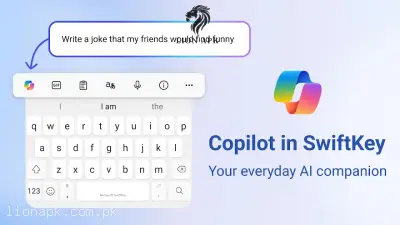
- Copilot AI Integration: Get instant help with text composition, tone adjustments, and quick answers without leaving your conversation
- Adaptive Learning Technology: The keyboard learns your writing patterns and vocabulary to provide personalized predictions
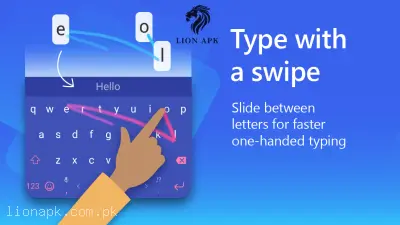
- SwiftKey Flow: Choose between traditional tapping or smooth swiping gestures for faster text input
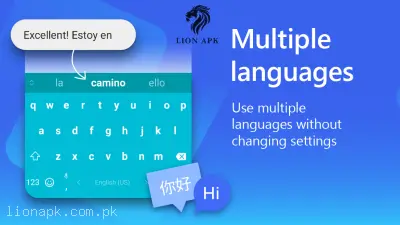
- Multi-language Support: Seamlessly type in up to 5 languages simultaneously from over 700 available options
- Creative Expression Tools: Access emojis, GIFs, stickers, and AI-generated images directly from your keyboard
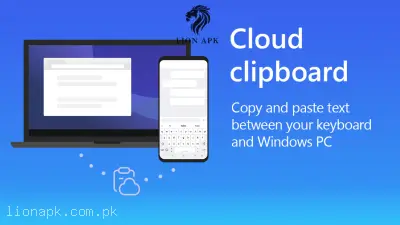
- Cross-device Synchronization: Cloud Clipboard lets you copy content on mobile and paste on Windows devices
Why Pakistani Users Choose SwiftKey
Whether you're switching between Urdu, English, or other regional languages, SwiftKey handles multilingual conversations effortlessly. The customizable interface offers 100+ free themes and adjustable layouts perfect for different screen sizes and preferences. Professional users appreciate the Microsoft To Do integration for capturing tasks, while students love the voice dictation feature for quick note-taking.
Simple Setup Process
Getting started takes just minutes. Download the app, enable it as your default keyboard through Android settings, select your preferred languages and themes, then start enjoying smarter typing across all your applications.
Microsoft SwiftKey AI Keyboard delivers the perfect blend of artificial intelligence and user customization, making it an essential productivity tool for modern Android users seeking faster, more accurate communication.