iLovePDF
Get this app from Google Play Store for automatic updates & security. Use APK if Play Store is unavailable in your region or you need an older version.
Screenshots
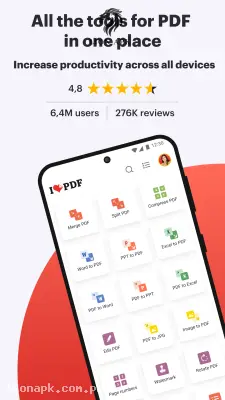
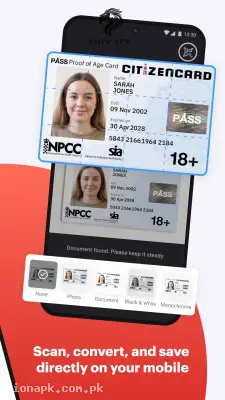
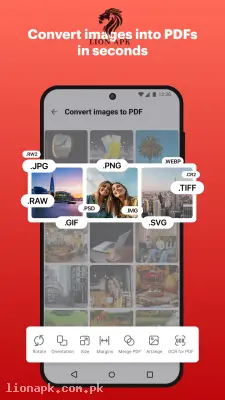
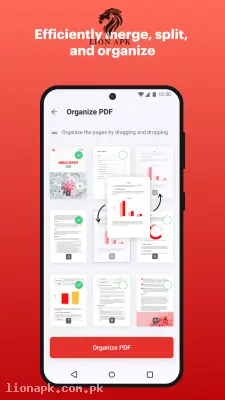
Screenshots from Google Play
More in Tools
View all →



Top Downloads in Tools
See all →




About this app
LovePDF APK Download (Latest Version) – All-in-One PDF Editor & Converter
Are you struggling to edit, merge, or compress large document files directly on your smartphone? Students and working professionals often face major hassles when trying to submit heavy PDF assignments, office reports, or scanned IDs online. Uploading oversized documents on mobile connections like Jazz, Zong, or Telenor 4G can quickly fail during network fluctuations or sudden power outages (load shedding), while traditional online converter websites can drain data and compromise file privacy.
Downloading the official ilovepdf app is the ultimate solution for hassle-free mobile document management. iLovePDF brings an entire toolkit of PDF editing, converting, scanning, and signing tools right to your pocket. Whether you need to merge multiple lecture notes into a single file, convert Word documents to PDF, reduce file size for quick email attachments, or sign digital forms on the go, installing the iLovePDF APK guarantees fast, secure, and effortless document editing on any Android device.
Here are the amazing features you will enjoy:
-
Merge & Split PDFs: Combine multiple PDF documents into a single organized file or extract specific pages from a large document with a few taps.
-
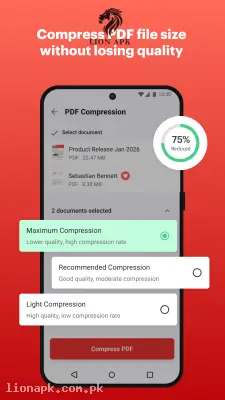
Smart PDF Compression: Reduce heavy PDF file sizes dramatically without sacrificing text clarity or image quality for easy sharing over WhatsApp and email.
-
Multi-Format File Converter: Convert PDFs to and from editable Microsoft Office formats (Word, Excel, PowerPoint) and image formats (JPG, PNG).
-
Mobile Document Scanner & OCR: Turn physical papers, receipts, and book pages into clean digital PDFs using your phone camera, complete with optical character recognition (OCR) to extract text.
-
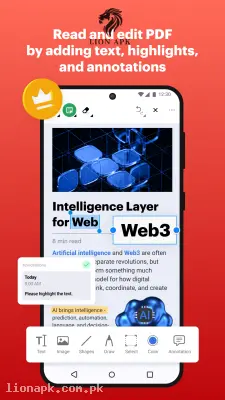
Digital Signatures & Form Filling: Fill out application forms, draw your official electronic signature, or add text notes and watermark stamps directly onto PDF pages.
-
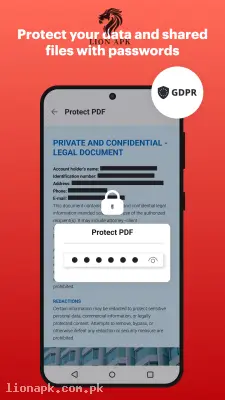
Password Protection & Unlocking: Add secure passwords to protect sensitive documents or unlock password-protected files for quick viewing.
Why Choose iLovePDF? (Pros & Benefits)
-
Data-Efficient Compression: Minimizes document file sizes before uploading or sending, saving precious 3G/4G cellular data packages.
-
Smooth Performance on Budget Phones: Runs lightweight and fast without system lag or memory slowdowns on budget Android devices (such as Infinix, Tecno, Redmi, and Samsung Galaxy models).
-
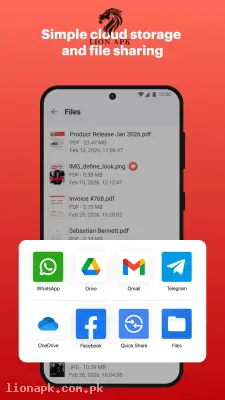
Cloud Storage Integration: Connects seamlessly with Google Drive and Dropbox so you can import, edit, and save files directly to cloud storage.
-
Full Offline Capability: Complete basic PDF reading, organizing, and merging tasks offline without needing an active internet connection.
Final Thoughts
Whether you need to organize study materials, sign legal contracts on the move, or convert documents for university portal uploads, getting the ilovepdf app is an absolute necessity. Install the latest ilovepdf APK today and take complete control of all your digital documents!