
PixelLab
Get this app from Google Play Store for automatic updates & security. Use APK if Play Store is unavailable in your region or you need an older version.
Screenshots
Screenshots from Google Play
More in Photography
View all →



Top Downloads in Photography
See all →About this app
PixelLab APK Download (Latest Version) – Free 3D Text, Graphic Design & Photo Editor
Are you struggling to create professional social media graphics, YouTube thumbnails, logos, or banners directly on your smartphone? Standard mobile photo editors often lack precise typography tools, offering basic text overlays with limited font choices, poor layer control, and rigid background options.
Executing a PixelLab APK download (or exploring PixelLab mod features and PixelLab old version builds for older device compatibility) is the ultimate solution for mobile graphic design. Developed by App Holdings, PixelLab (Text on Pictures) empowers creators, marketers, and designers to transform simple images into eye-catching graphic artwork using 3D text effects, custom fonts, perspective warping, and background removal tools.
Here are the amazing features you will enjoy:
-
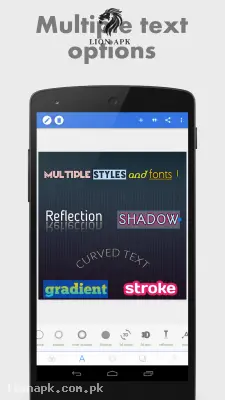
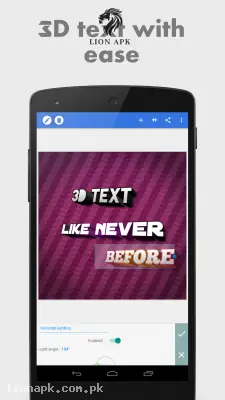
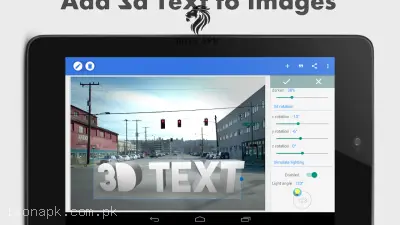
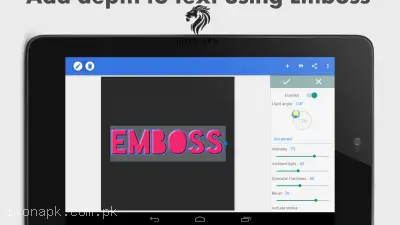
3D Text & Typography Customization: Add and overlay 3D text onto photos with customizable depth, lighting, inner shadows, strokes, reflections, and embossing effects.
-
Custom Font & Regional Script Support: Choose from over 100 hand-picked system fonts or import your own TTF/OTF typography files for custom styling.
-
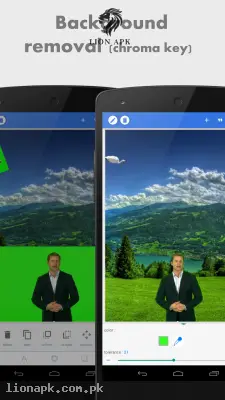
Background Removal & Chroma Key: Isolate subjects or remove solid green, blue, and white background colors to convert photos into transparent PNG overlays.
-
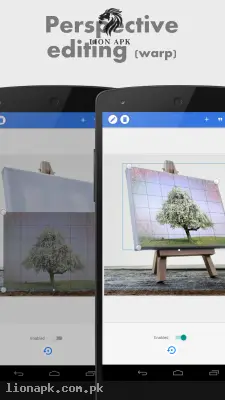
Perspective Editing & Surface Warping: Adjust perspective angles to fit logos, signs, and text seamlessly onto physical surfaces like billboards, boxes, and screens.
-
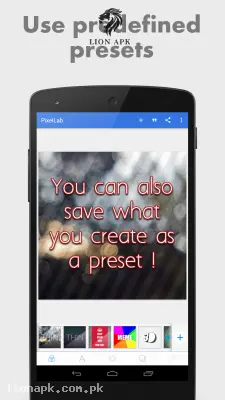
PLP Project Files & Reusable Templates: Save complete design layouts as editable PLP project files to reuse templates or swap image backgrounds anytime.
-
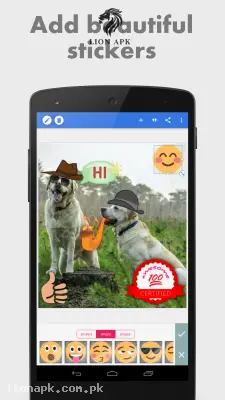
Vector Drawing & Custom Stickers: Draw shapes using adjustable brush sizes, apply linear/radial gradients, and decorate artwork with stickers, emojis, and quote presets.
Why Choose PixelLab? (Pros & Benefits)
-
100% Offline Graphic Studio: Design posters, thumbnails, and banners anywhere without needing an active Wi-Fi or cellular internet connection.
-
Lightweight & Smooth Performance: Compact app footprint ensures fluid operation across entry-level and flagship devices (with PixelLab old version APKs available for older Android OS compatibility).
-
High-Resolution Image Export: Render and save finished designs in custom resolutions (PNG/JPEG) up to Ultra HD quality for social sharing.
-
Full Layer Control: Lock, hide, reorder, and group individual text objects, shapes, and images with complete layer hierarchy management.
Final Thoughts
Whether you want to build custom brand logos, design viral thumbnails, or write stylish typography on your photos, getting the PixelLab app provides an essential creative suite. Download the latest PixelLab APK today and elevate your mobile graphic design!